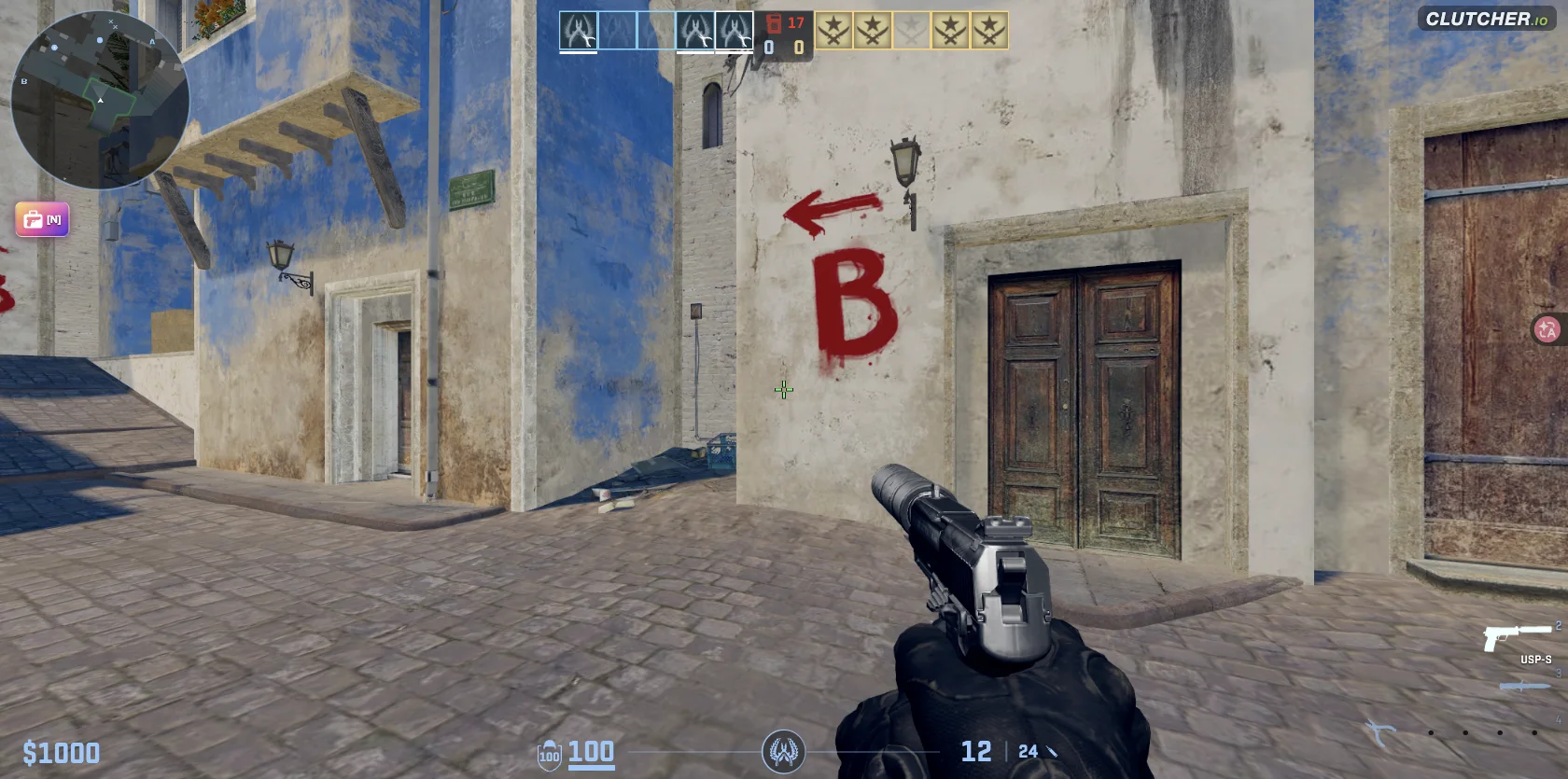
First-person view of Clutcher io on Oasis, with blue and white buildings and a painted B-site direction marker
THE UNOFFICIAL FIELD GUIDE VOL. 01 / EARLY ACCESS

LOAD IN. GET YOUR BEARINGS.

Clutcher io

Free browser FPS. No download.

Your next round starts here. Learn the controls, know the maps, and get ready for a CS-style tactical shooter—right in your browser.

Play opens the official game in a new tab.

IN-GAME CAPTUREOASIS / CLUTCHER.IO
CURRENT BUILDv0.21 Early Access
PLATFORMBrowser / Keyboard + mouse
ON THE GROUND2 maps / 2 available modes
Checked 28 Sep 2026

01 / THE BRIEFING

A familiar fight.
A faster way in.

The Clutcher io game brings a familiar tactical FPS loop to the browser: pick your side, work with your team, and make each engagement count.

It is still in Early Access. This guide separates what is playable now from what is shown in the menu, so you can spend more time in the match.

Your first match, step by step

Before you play

All guides

02 / KNOW THE TERRAIN

Two maps. Learn your angles.

Map guides

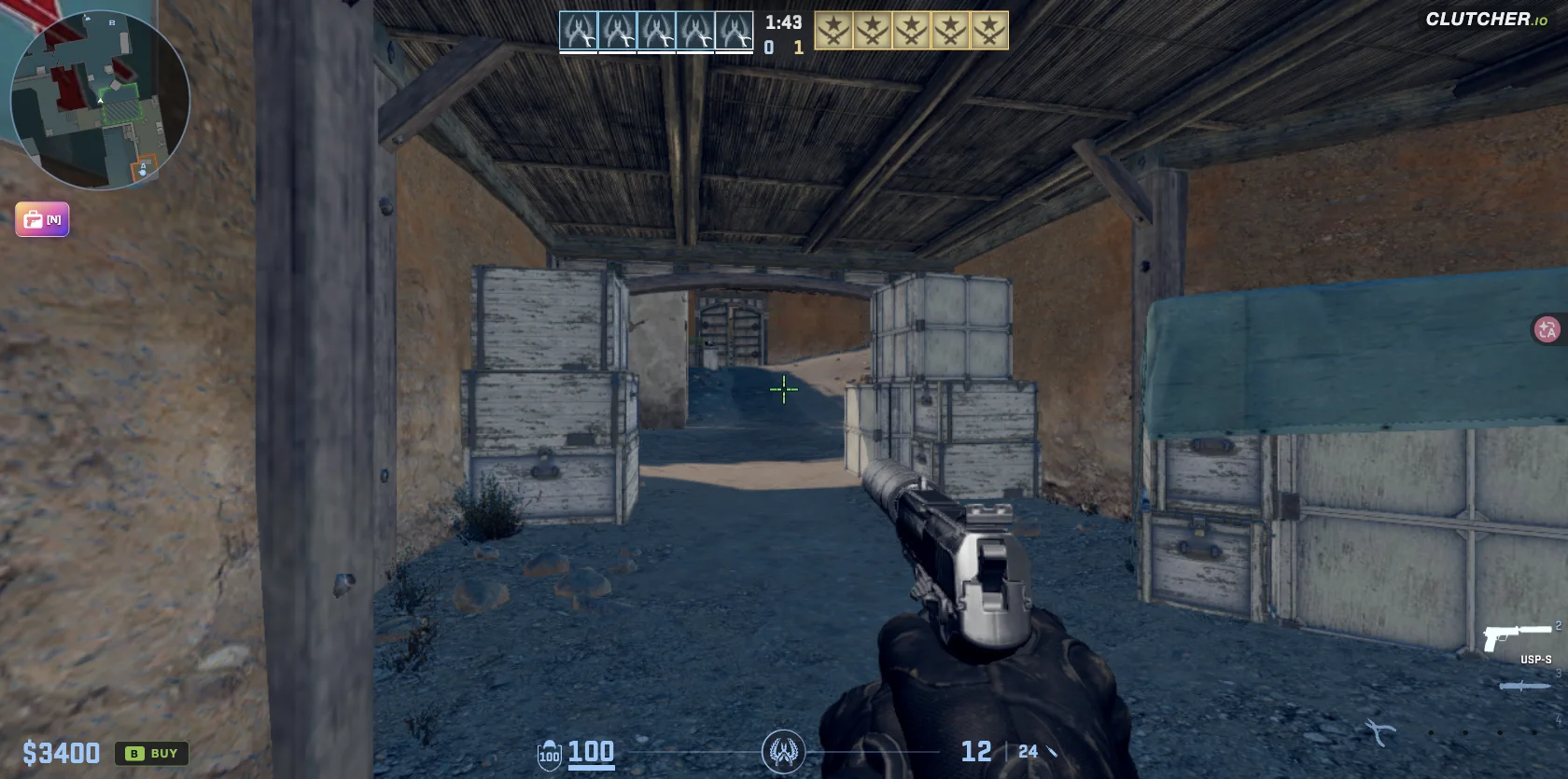
Actual game captures. Map guides cover what we could verify in the current build.

03 / PICK YOUR MISSION

What can you
play right now?

Start with a mode that fits your session. Bots are available; human multiplayer is not verified. Ranked and private-room controls are not currently available.

Explore game modes
Clutcher io mode availability checked 28 September 2026
GAME MODETHE OBJECTIVESTATUS
Bomb Defuse Play the objective. Work with your team.Available
Team Deathmatch Find your aim in a team-based firefight.Available
Ranked Competitive play is not live yet.Coming soon
Private / JoinRoom controls are currently disabled.Unavailable

Menu status checked in v0.21 Early Access. Availability can change.

04 / BETWEEN ROUNDS

Know what you’re earning.

THE ECONOMY

Coins, gear & your inventory.

C is the menu currency. The game has Inventory, Cases, Trading, and Marketplace tabs. Round money shown as $ is a separate system.

The Gold Nova label beside a player is a rank label—not another currency. Its presence does not mean Ranked matchmaking is available.
DAILY CHALLENGES

Small goals. More rounds.

DAILY
  • 01Play 3 games+100 C
  • 02Get 25 kills+100 C
  • 03Win 2 matches+100 C

Examples shown on 28 Sep 2026.
Check the Daily / Weekly tabs in-game.

Guide

05 / YOUR FIELD MANUAL

A plan for your next session.

New to Clutcher io? Start with a small, repeatable task. The sequence below takes you from the main menu to a useful first round, then helps you choose a weapon, understand an objective or isolate a problem. Keep the detailed guides for the moment you need a full reference.

Make the first round useful.

Full beginner guide
  1. Set up before joining

    Open Settings from the main menu. Check the current key bindings, turn on Show FPS, and choose a mouse sensitivity you can control. Keep that sensitivity unchanged for the first session so you can separate unfamiliar movement from a setting that actually needs adjustment.

  2. Choose one map and stay with it

    Select Oasis or Dune and an available mode, then press Play. On your first trip out of spawn, look for a landmark you can recognize on the return journey. Learn one route before switching maps; memorizing every corner is not a useful opening goal.

  3. Rehearse the keys without rushing

    Move with W, A, S and D, jump with Space, reload with R, and use Q to return to the previous weapon. Check the live bindings if an action differs. A successful first session means knowing which action you intended, even when you lose the fight.

  4. Review the reason the round ended

    In Bomb Defuse, watch the objective and the timer as well as your kills. After a mistake, choose one correction for the next round: buy earlier, recognize the site entrance, or leave enough time for the interaction. Repeating one useful adjustment makes progress easier to notice.

Choose by what you want to learn.

Mode rules & availability
I want to get comfortable with aiming
Try the available Team Deathmatch option and focus on movement, weapon switching and a readable crosshair. This is a practice suggestion. Check its current rules in the live help panel before planning around a particular score limit, respawn rule or reward.
I want to understand the tactical objective
Choose Bomb Defuse. The checked rules specify up to 15 rounds, with the first team to win 8 taking the match. Learn how reaching a site, planting, defending and defusing change your next decision; an objective round is more than a hunt for another kill.
I want to play Ranked or invite a friend
Check the live menu before arranging a session. Ranked was marked Coming soon, while Private and Join were disabled in the build we checked. A rank label or player counter does not establish that human matchmaking or private rooms are working.

Loadout first. Purchase in the round.

Browse weapons & equipment

Prepare your choices in Loadout

Open Loadout from the main menu and select the side you want to edit. CT and T have separate setups. Click a weapon to swap its slot; pistol slot 1 is labeled as the pistol you spawn with. Check the other side separately instead of assuming the change applies to both.

Purchase for the round with B

In Bomb Defuse, buying is available in your team's spawn area during the first 44 seconds. Press B, then use the column number followed by the slot number as shown in the menu. If an item is unavailable, check your location, remaining buy time, side's loadout and dollar balance.

Compare the actual item before choosing

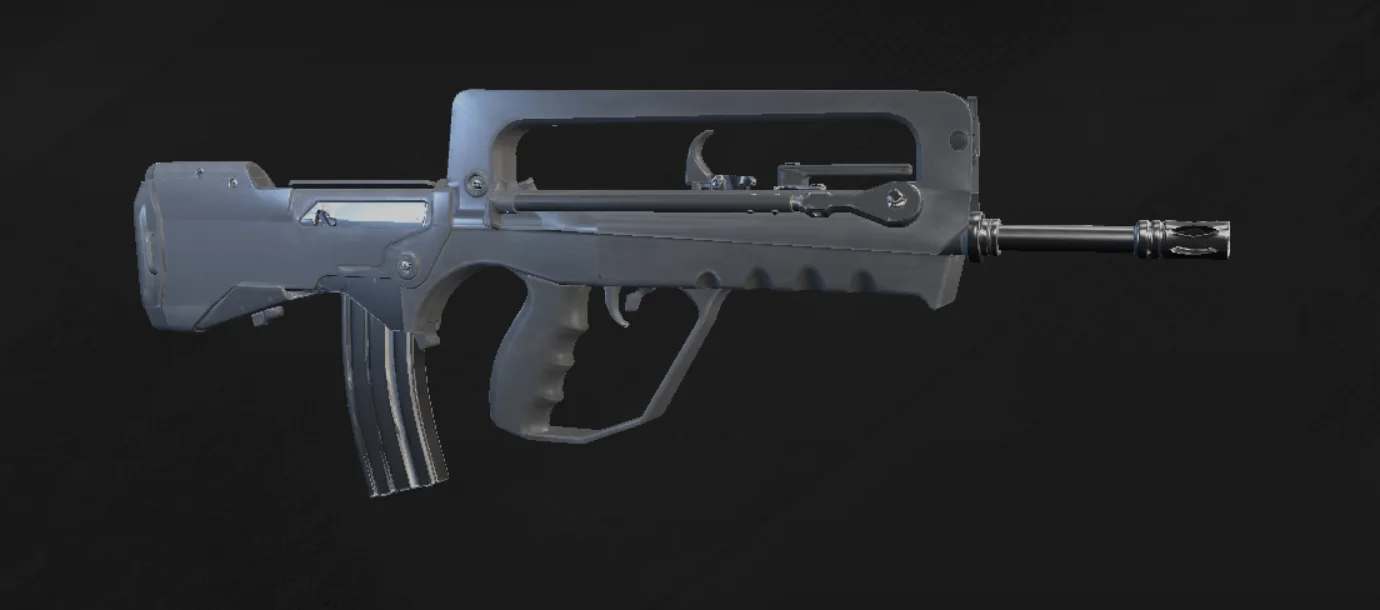
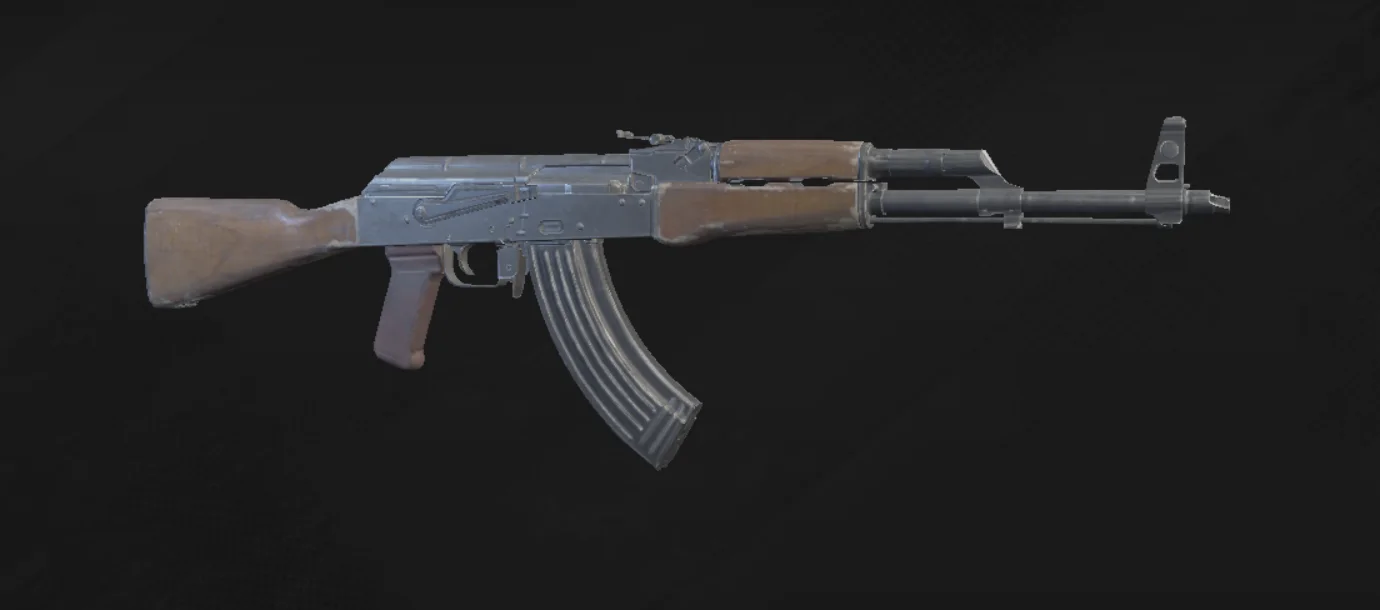
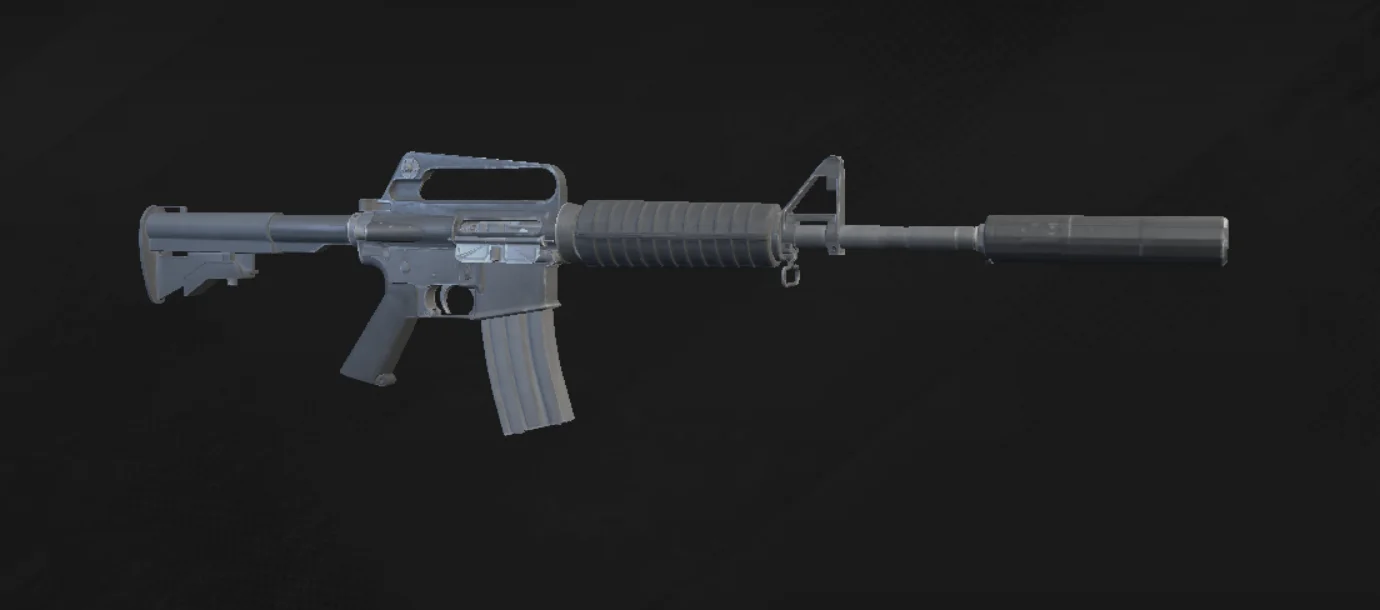
Use the weapon reference to match the in-game image and displayed parameters to the item you mean. A familiar name from another shooter does not prove identical damage or handling here. Changing a skin, preparing a loadout and buying a weapon are different tasks; start with the one you need.

Follow the loadout steps

Know the clock before you commit.

Plant & defuse reference

Before a plant

3.2 seconds

You need the bomb, a valid bombsite and enough time to finish the interaction. Stand still inside the site and hold E. If nothing happens, check the conditions before rebinding the key; simply standing near a site marker is not the same as completing a valid plant.

After a plant

40 seconds

The planted bomb has its own countdown. Your next decision should account for that objective rather than treating the round as another uninterrupted firefight. On defence, reaching the bomb is only part of the task: you still need uninterrupted interaction time to finish the defuse.

On the defending side

10 seconds / 5 with a kit

Hold E close to the bomb to defuse. The listed $400 kit cuts the interaction from 10 seconds to 5. Consider that time difference when buying. Starting money is $1,000, with a $10,000 cap; the menu's C rewards do not add to your round purchasing balance.

Timings and prices: official in-game Bomb Defuse help, checked 28 September 2026. View our sources.

Find the symptom. Take one next step.

All troubleshooting

The game runs, but feels slow

Turn on Show FPS and compare a short route on the same map. Try a lower graphics preset first, then test resolution separately. Judge whether targets remain readable as well as whether motion improves. Keep a note of the setting and result instead of changing every option together.

Work through the FPS checks

The cursor escapes while I turn

Treat this as a focus or capture problem before adjusting sensitivity. Click back into the game after leaving a menu and check whether the pointer stays captured. A player reported temporary improvement after a hard refresh, but the follow-up did not establish a permanent fix.

Diagnose mouse focus

The game never reaches the menu

Start at the official URL and note where loading stops. Record any visible error, then change one browser condition at a time. A network restriction and a slow device require different investigations. No browser setting on this guide can guarantee access through a school or workplace block.

Check loading and access

My weapon choice did not change

Return to the main-menu Loadout and check the selected side and slot. Q switches to your last weapon and G drops the held weapon; neither edits the prepared loadout. If you meant to purchase during a round, check B, the spawn area, buy time and available dollars instead.

Fix the weapon workflow

Build a routine you can repeat.

Follow the five-stage learning path

Session 1: make the controls predictable

Use one map and one sensitivity. Practice moving, stopping, reloading and switching weapons until you can name the action without opening the controls page. Finish by repeating the same short route. Measure progress by fewer input mistakes, rather than comparing yourself with somebody else's highlight clip.

Session 2: complete the objective

Move to Bomb Defuse and rehearse the buying and interaction sequence. Identify where the buy window applies, then work towards a valid plant or defuse when the round allows it. Notice which condition failed if an interaction does not start, and fix that specific condition next time.

Session 3: change one thing with a reason

Pick the largest remaining problem: an unreadable crosshair, uneven FPS or an unfamiliar route. Use the matching guide, make one adjustment and repeat the same task. Settings includes bot controls for practice conditions. Keep what helps and record the next question; this sequence is our suggested routine, not an official progression system.

06 / QUICK ANSWERS

Before
you drop in.

The basics, without the guesswork.

What is Clutcher io?

Clutcher io is a tactical, CS-style first-person shooter that runs in your web browser. The current v0.21 Early Access menu includes Bomb Defuse and Team Deathmatch, with Oasis and Dune as map choices.

Is Clutcher io free to play?

Yes. You can open the official Clutcher.io site and start playing for free. The game also has separate inventory, cases, trading, and marketplace menus.

Do I need to download anything?

No separate game installation is needed. Open the official website in a browser and allow the game assets to load. A keyboard and mouse are the basis of the controls covered in this guide.

How do I play Clutcher io?

Open Clutcher.io, choose an available mode, select Oasis or Dune, choose an outfit, and press Play. Start with Team Deathmatch to practise movement and aiming, then learn the objectives in Bomb Defuse.

Read the beginner guide
Where can I play Clutcher io?

The official game is at clutcher.io. The Play buttons on this site open that website in a new tab. This is an independent guide; the game is not hosted here.

Is there a Clutcher io unblocked version?

Access to the official game depends on your network and its rules. We do not provide a proxy or promise that the game will work on a restricted school or work network. Use a permitted connection and the official site.

Check access and loading help

YOUR NEXT MOVE

One good round starts with a little preparation.

How to play Learn the maps Ranked status